This mostly for any Linux system using systemd, albeit the make_ssid.sh script will need adjusted for where you want to get the ID from. In the example, it uses the Raspberry Pi’s serial number. Mac address could be another good source to use.
Author: jdboyd
Avid MBOX 3 Teardown
http://www.dream.fr/pdf/Serie3000/SAM_Datasheets/SAM3308B.pdf
ST-Micro ISP1582BS
max4477
cs4272
akm AK4114VQ
ahc02
hc595
This is aimed more at using the Raspberry Pi with a touch screen for embedded uses, and is not relevant to using it in the Raspbian desktop environment.
Unfortunately, it seems that to just pip install kivy appears to work, but then when you run an example, it complains about missing libraries, and installing those eventually gets you to the point where you need X11 because of the dpkg dependencies being overly broad.
If you build Kivy from source you can avoid that.
apt install python-pip python3-pip gir1.2-glib-2.0 libdbus-glib-1-2 libexpat1-dev libgirepository-1.0-1 \
libpython3-dev libpython3.5-dev python-pip-whl python3-cffi-backend \
python3-crypto python3-cryptography python3-dbus python3-dev python3-gi \
python3-idna python3-keyring python3-keyrings.alt python3-pyasn1 \
python3-secretstorage python3-setuptools python3-wheel python3-xdg \
python3.5-dev evtest libmtdev-dev zlib1g-dev libfreetype6-dev liblcms1-dev \
libopenjp2-7 libtiff5 libjpeg62-turbo-dev git git-man liberror-perl
pip install virtualenv
git clone https://github.com/kivy/kivy
virtualenv -p /usr/bin/python3 kivy_build
source kivy_build/bin/activate
pip install cython pillow
#cd kivy
#USE_SDL2=0 CFLAGS="-I/opt/vc/include/" make
USE_SDL2=0 CFLAGS="-I/opt/vc/include/" pip install ./kivy/
I have never used Substance Designer, so I’m basing this off of looking at example files.
The SBSPRS files are XML that appear to specify the list and type of parameters used in the SBSAR substance.
The SBSAR file is just a 7-zip file. It expands to:
./assemblies
./assemblies/content
./assemblies/content/0000
./assemblies/content/0000/icon1234567890.png
./assemblies/content/0000/Example.xml
./assemblies/content/0000/Example.sbsasm
The Example.xml file appears to describe the inputs of the node, the outputs of the node, gui layout for the node, and presets to choose for the node.
The Example.sbsasm file starts with the magic word 5342 414d, which are the ASCII values for SBAM. Beyond that, I haven’t figured anything else out about it.
I was hoping that this would be compressed formats, XML, JSON, and/or IFF all the way down.
Kid proofing USB charging
In case anyone is interested in making USB connectors a bit more kid proof, I recently bought these magnetic USB cables: https://www.amazon.com/gp/product/B074TB8XTL
For the kid’s tablet, I super glue the micro-usb adapter in place. It sticks out about 1/8 in. No more kid destroying USB ports.
It’s like Apples MagSafe for tablets.
For their claim that it will prevent “tripping over cable resulting in smashed phones”, the magnetic pull is strong enough to yank at least some phones off a table when the cord is accidentally pulled (say by tripping on it).
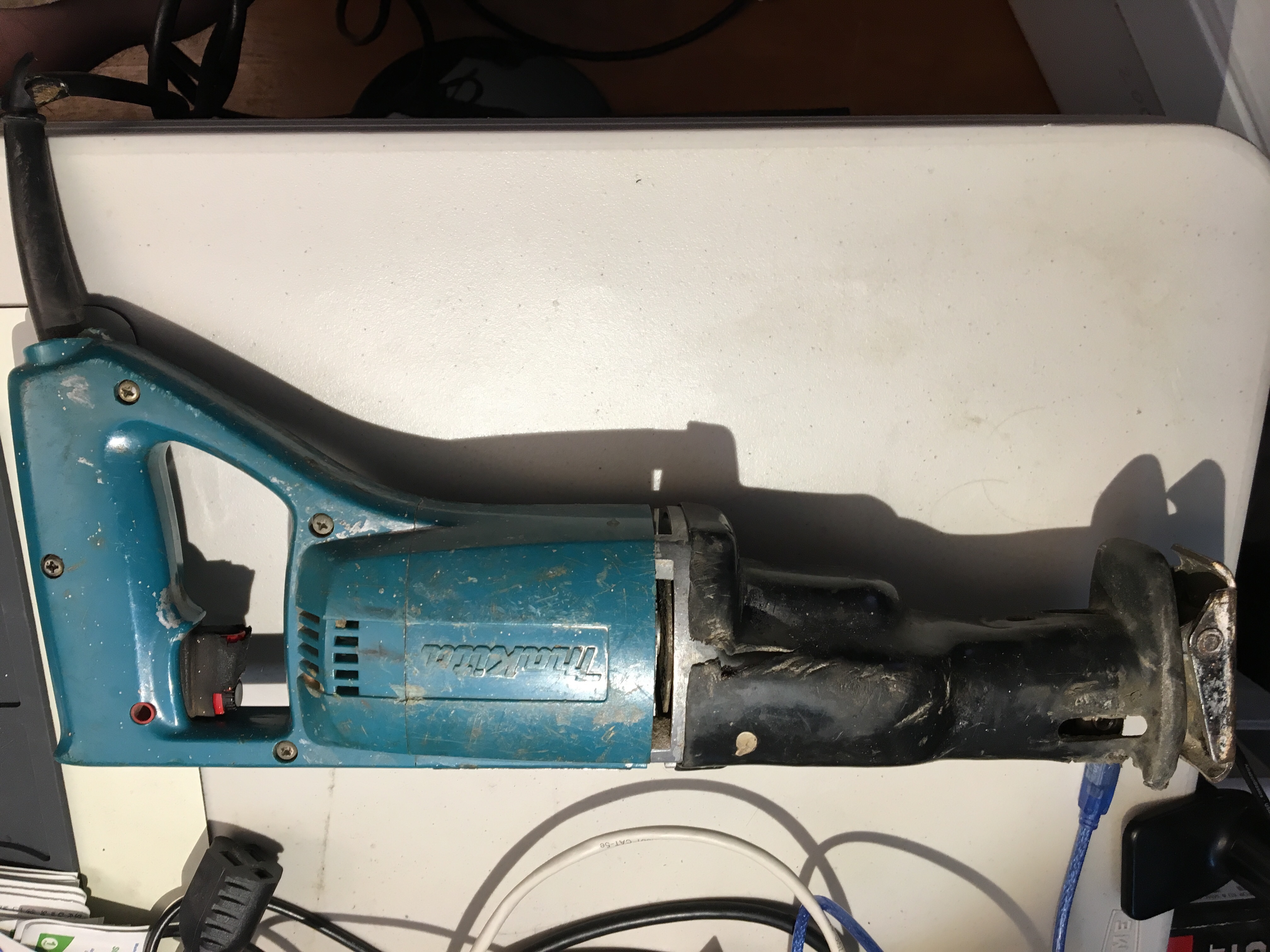
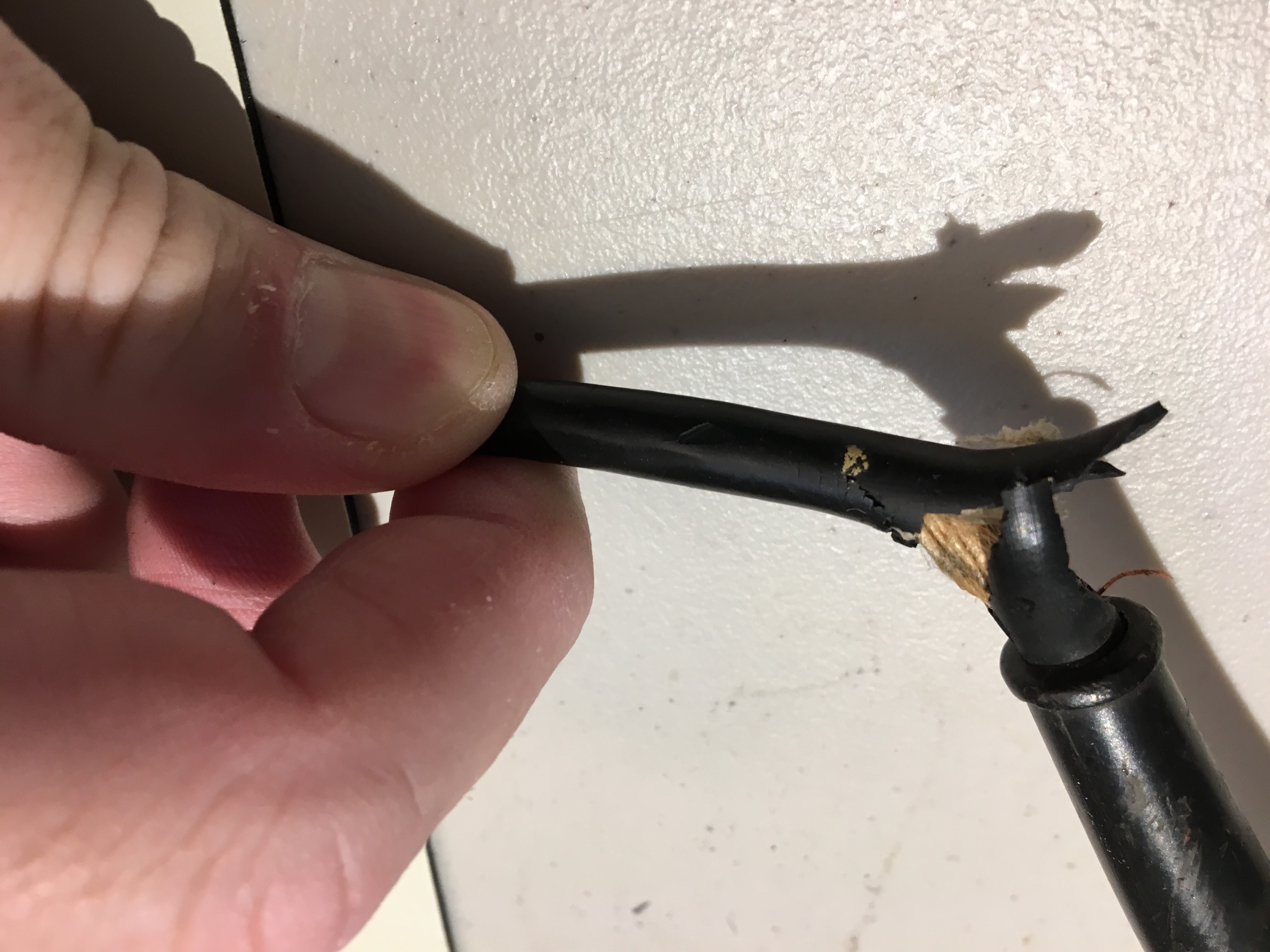
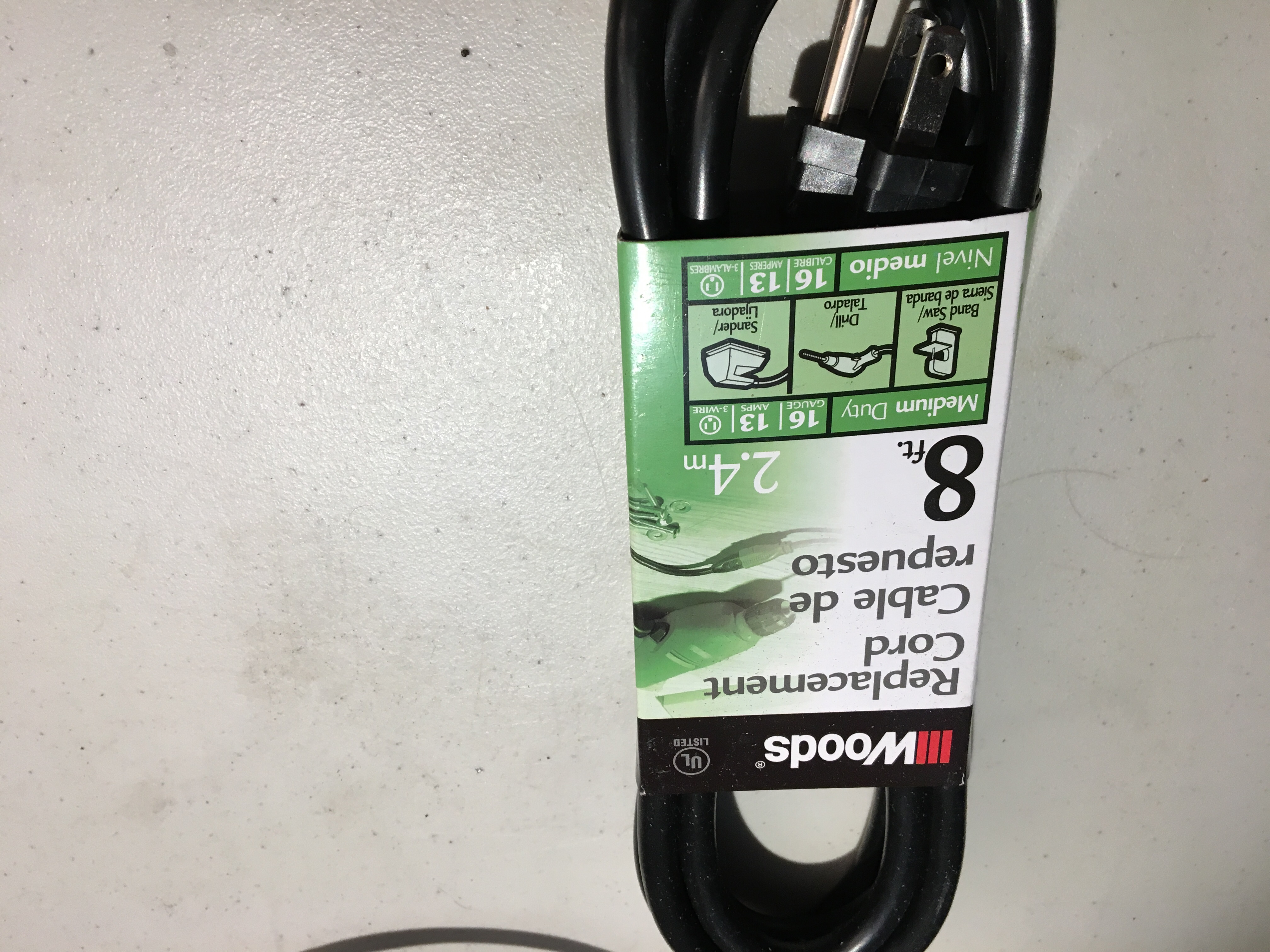
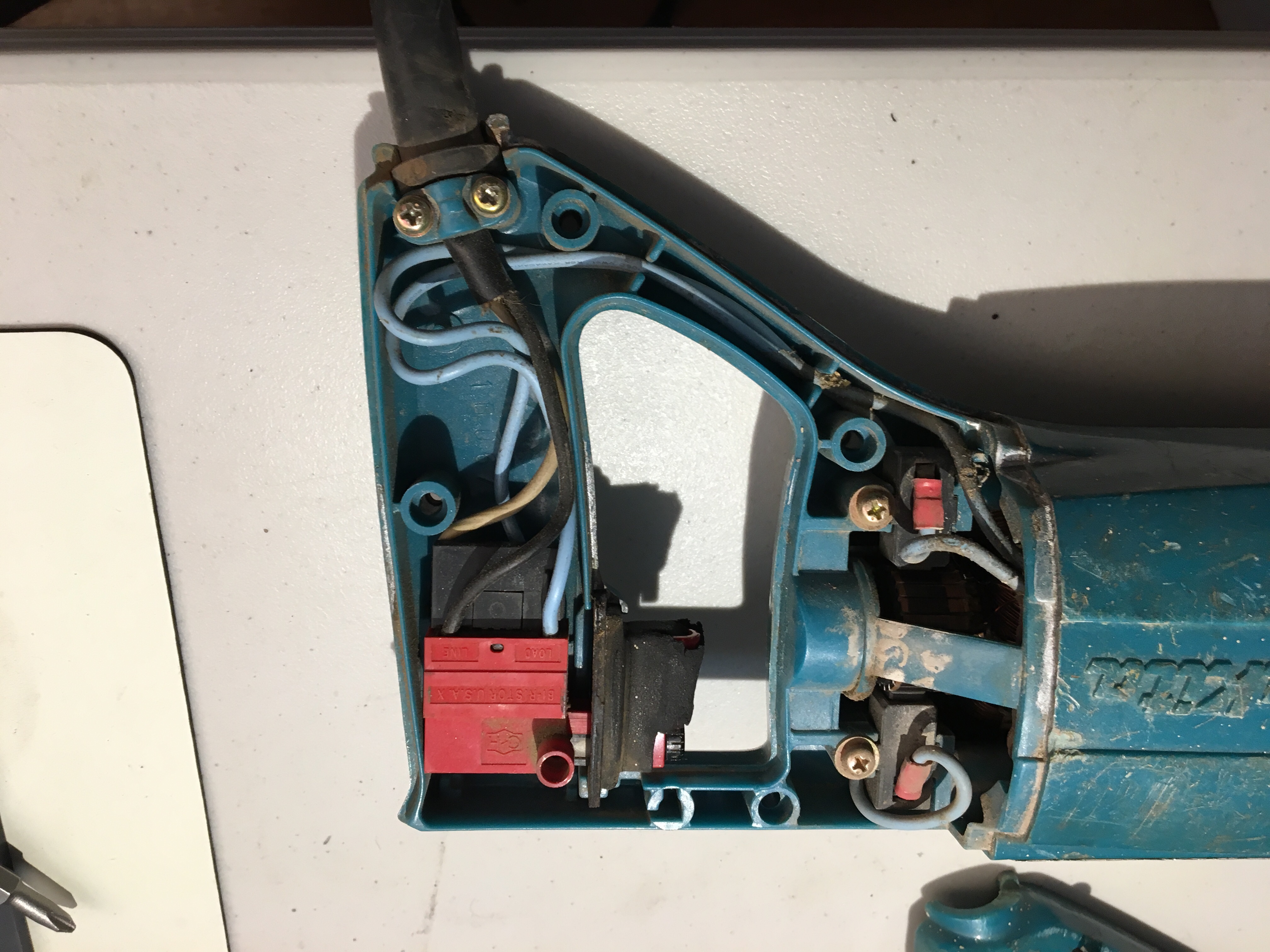
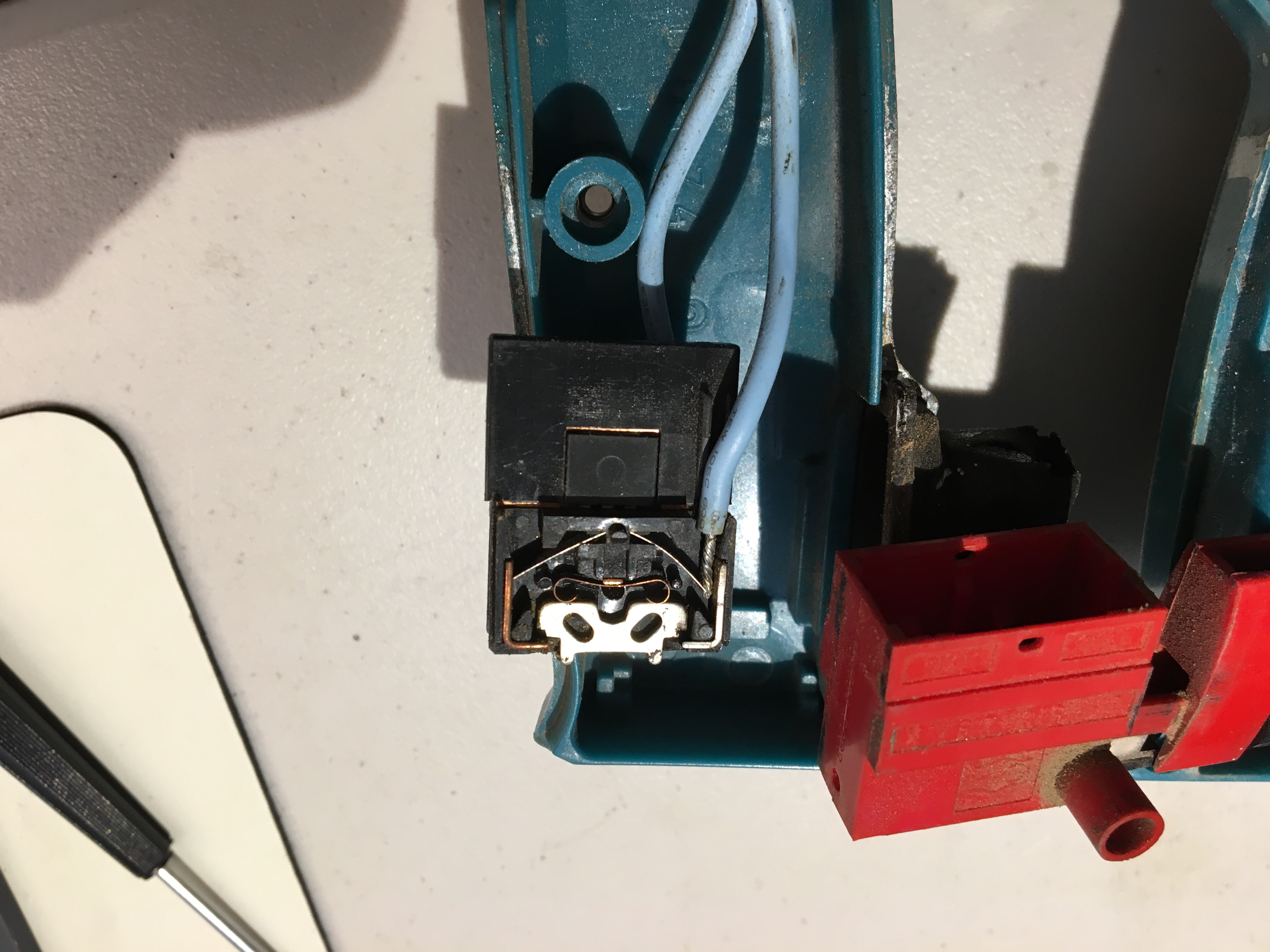
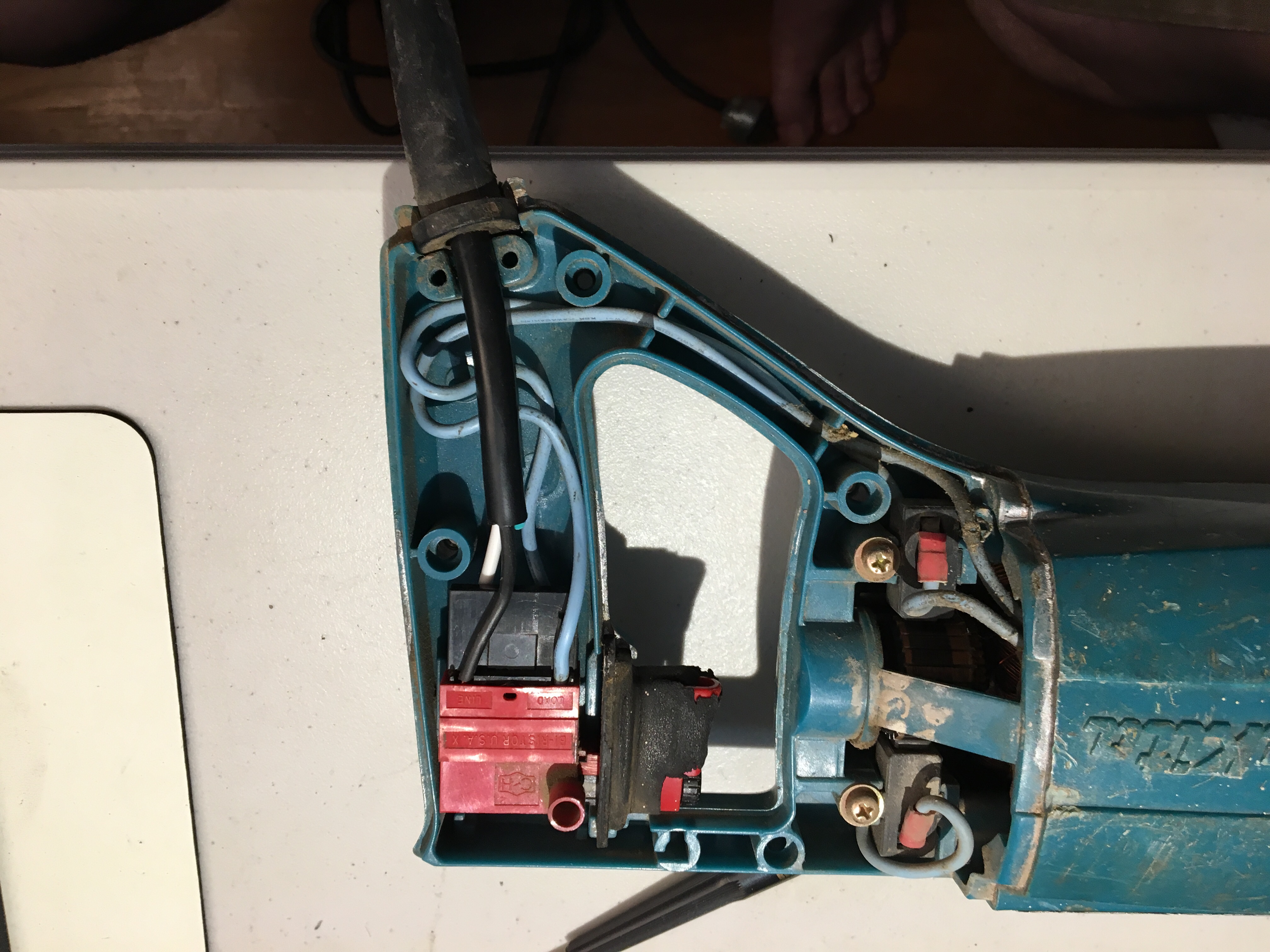
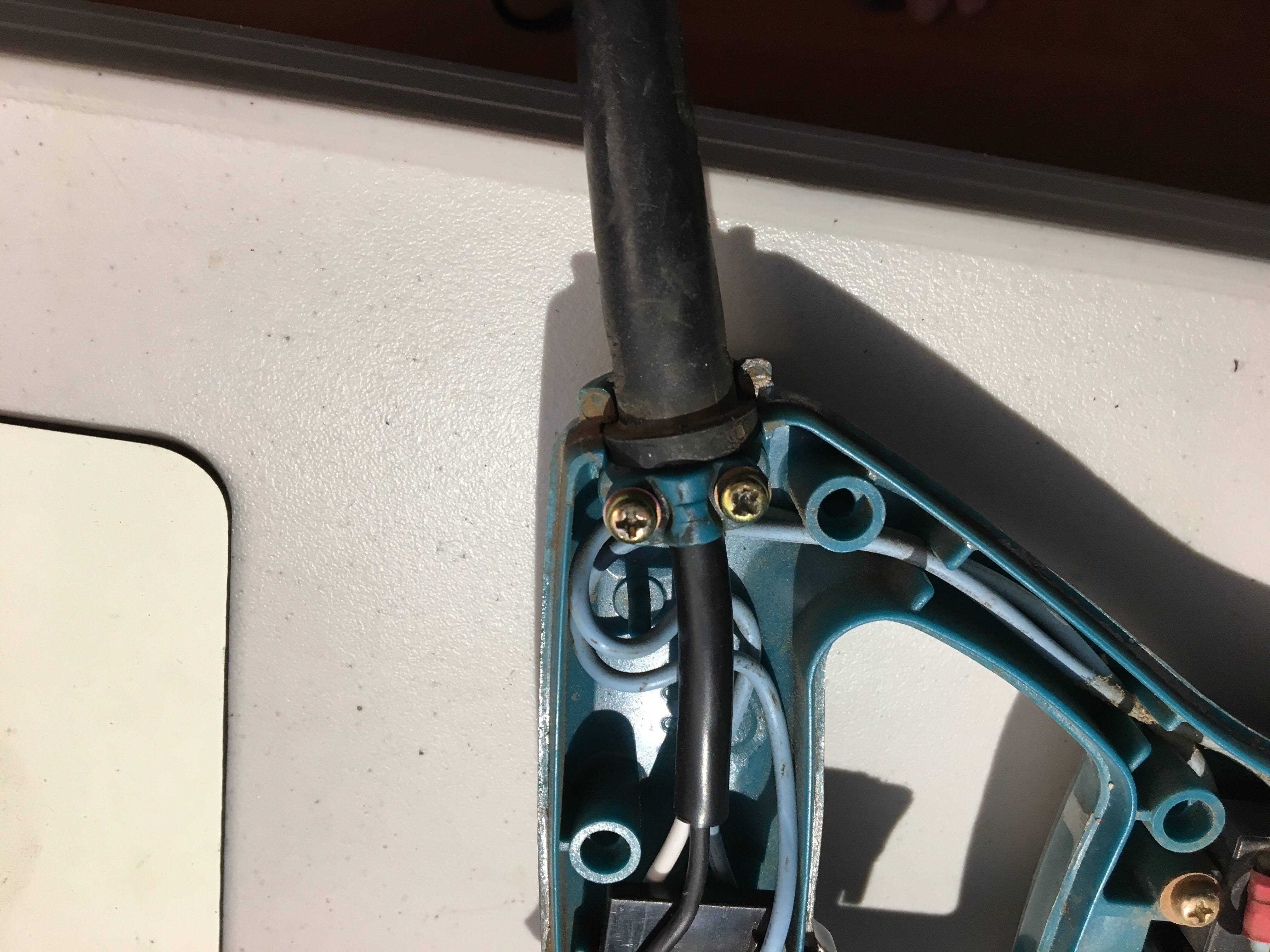
Makita Reciprocating Saw cord replacement
I was planning to nicely document this, but on review, some photos don’t really show what is needed, then I got caught up in finishing it and didn’t take appropriate finishing photos. Oh well, here is what I got.


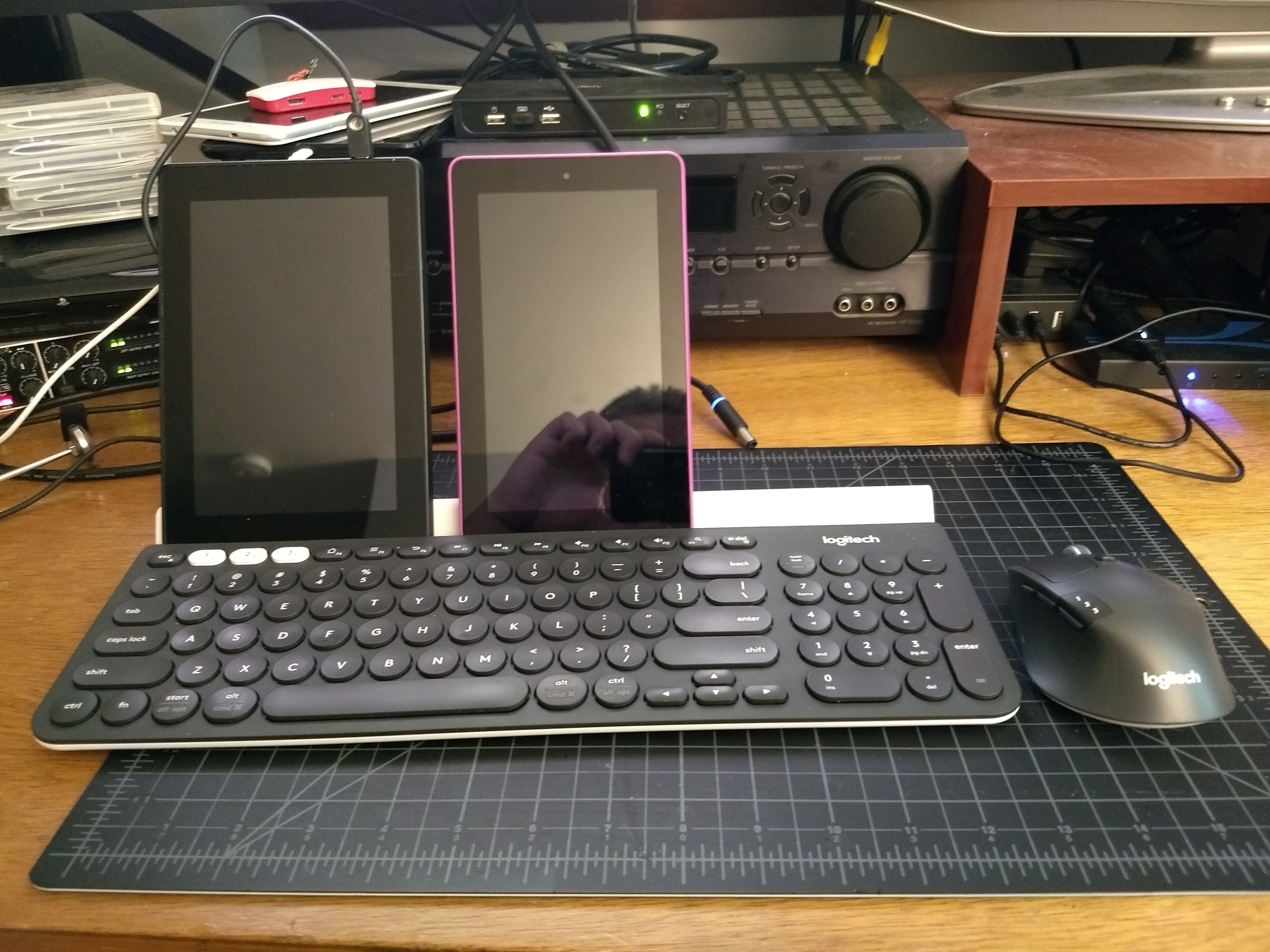
Logitech K780 and M720 mini review
I rather like the K780 keyboard and M720 mouse from Logitech (alas, not sold as combo). Just picked it up a week ago, so I can’t say about longevity yet, but they feel solid. The key shape on the keyboard is odd, but I’m already used to it from a K380 elsewhere.
I had 2 wireless keyboards and mice. One of each plugged into my KVM and one of each plugged into my windows PC on a separate monitor. Both of the K780 and M720 support connecting to 3 machines. Those three connections can be via Logitech’s unifying receiver (what you get in all cheap Logitech wireless mice) or bluetooth. Each device came with one receiver, and their software will let you re-pair their devices (unlike other brands of cheap USB wireless, I’m looking at you Anker). Thus, I stuck one receiver into the KVM, one into the windows PC, and re-paired both devices to talk to both receivers so now I have one keyboard and one mouse and I can easily toggle them between 3 computers (while still having an open slot on both devices for a tablet, Raspberry Pi, or something else).