Categories
System Administration

Oops

All the pictures in old entries are missing, and it seems that it is because a pictures folder was removed.  Now looking for a backup.  And this time perhaps I should let WordPress keep track of them instead of making my own image folder.

And now it should be fixed, so please let me know if you still see problems.

Categories
Family

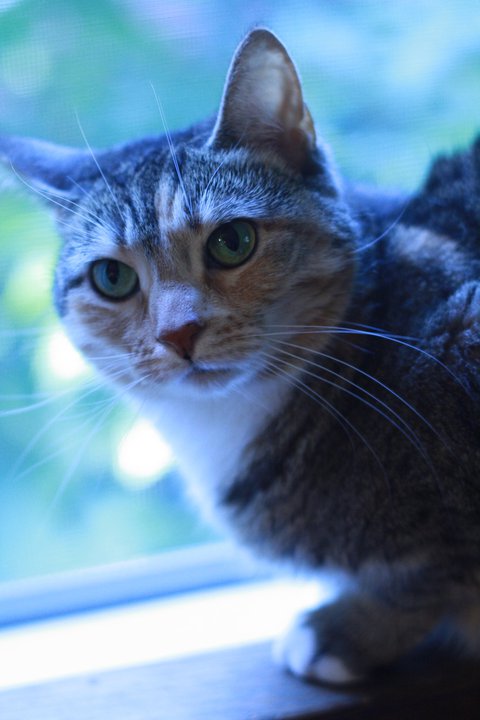
Izzy Sitting in a Window, Looking Blue

Categories
Family

David again.

Categories
Programming

Circular buffers as C Macros

I was recently reviewing some FIFO based serial TX/RX circular buffer code that I thought was buggy in the FIFO part.  Since the FIFO was entwined with the ISRs, it was hard to test in isolation.  I looked around at some other FIFO implementations for PIC and AVR, and all of them did the same thing, including duplicated all of the FIFO code for every serial port implemented.   It seemed to me that it would be better to have the two activities separated to provide better re-usability and test-ability.

Back when I was working on PCI audio drivers, I thought the same thing.  Everyone wrote their sample FIFOs directly into the ISR functions in the driver.  Back then, I seperated my FIFO out into a separate reusable module that could be tested thoroughly from user land.  I grabbed that to use on my current project, but it depended on malloc and free, something notably missing on a lot of 8 bit micro controllers.  Also, it would result in extra function call overhead, which is not good in ISRs on PICs (very limited hardware call stack).

Anyway, after debugging the FIFO in my ISRs, I decided to extract it all out into a file of just that code. Then I transformed those functions into macros to do away with the function call overhead.

Here is draft 1, if it is of any use to anyone, and even if it isn’t I certainly wouldn’t mind review/commentary.

I could wrap the globals into a struct, but then I still would need a
custom struct for each instance to change the size of the array at run
time, unless I required a global struct, and MAKE_FIFO inserted a
pointer to a global array…

I’m not sure, which might be better.

Also, if you were to need 32bit elements instead of 8 bit elements, just change the type in MAKE_FIFO.

/**
* @file
* @author Joshua Boyd
* @version 1.0
*
* @description DESCRIPTION
*
* Macros for statically allocated, circular buffer, character FIFOs.
*
* NOTE: change the types in MAKE_FIFO to support types other than
* chars. Should just work for any primitive type, and only
* a little more work for structs.
*
* The basic usage is to MAKE_FIFO your fifo, giving it a name and size
* then GET, PUT, etc, the fifo of that name.
*
*/

/**
* Make a new FIFO.
*
* @param prefix - the name of the fifo, eg. 485_tx, or 232_rx.
* @param size - number of elements in the fifo.
*/
#define MAKE_FIFO(prefix, size) \
char prefix ##_buffer[size];\
long prefix ##_next_in = 0;\
long prefix ##_next_out = 0;\
long prefix ##_ovfl=0;

/**
* Get and remove an element from the FIFO.
*
* Value here works a little like a reference in C++.
*
* @param name of the fifo
* @param Location for the returned element.
*/
#define GET(prefix, value) { \
value=prefix ##_buffer[prefix ##_next_out]; \
prefix ##_next_out = (prefix ##_next_out+1) % sizeof(prefix ##_buffer);}

/**
* Get an element from the FIFO without removing it.
*
* Value here works a little like a reference in C++.
*
* @param name of the fifo
* @param Location for the returned element.
*/
#define PEEK(prefix, value) { \
value=prefix ##_buffer[prefix ##_next_out];}

/**
* Remove an element from the FIFO without getting it.
*
* @param name of the fifo
*/
#define REMOVE(prefix) { \
prefix ##_next_out = (prefix ##_next_out+1) % sizeof(prefix ##_buffer);}

/**
* Return the index of the next input location.
*
* NOTICE: This is the only macro meant for internal use, and not the
* application programmer.
*/
#define NEXT_IN(prefix) ((prefix ##_next_in + 1) % sizeof( prefix ##_buffer ))

/**
* Put an element into the FIFO.
*
* @param name of the fifo
* @param Value of the new element.
*/
#define PUT(prefix, value) { int8 t; \
prefix ##_buffer[ prefix ##_next_in ] = value; \
t = prefix ##_next_in; \
prefix ##_next_in = ( prefix ##_next_in + 1) % sizeof( prefix ##_buffer ); \
if(prefix ##_next_in == prefix ##_next_out) { \
prefix ##_next_in = t; \
prefix ##_ovfl = 1; }}

/**
*
* Set the points back to as if it were empty.
* Doesn't erase the data, but only a GET or PEEK will
* return garbage after this has been called.
*
* @param Name of the FIFO
*/
#define FLUSH(prefix) prefix ##_next_in = prefix ##_next_out = 0

/**
* Is the FIFO empty? True/False
*
* @param FIFO name
* @return T/F
*/
#define IS_EMPTY(prefix) (prefix ##_next_in == prefix ##_next_out)

/**
* Is there any data? True/False.
* Basically the opposite of IS_EMPTY
*
* @param Name of the FIFO
* @return TRUE/FALSE
*/
#define IS_NOT_EMPTY(prefix) (prefix ##_next_in != prefix ##_next_out)

/**
* Is there any data? True/False.
* Basically the opposite of IS_EMPTY
* The same as IS_NOT_EMPTY
*
* @param Name of the FIFO
* @return TRUE/FALSE
*/
#define KBHIT IS_NOT_EMPTY

/**
*
* Is the FIFO full? True/False
*
* @param FIFO name
* @return TRUE/FALSE
*/
#define IS_FULL(prefix) (NEXT_IN(prefix) == prefix ##_next_out)

/**
* Is there free space?
* This is basically the opposite of IS_FULL
*
* @param FIFO name
* @return TRUE/FALSE
*/
#define IS_NOT_FULL(prefix) (prefix ##_next_in>prefix ##_next_out?prefix ##_next_in-prefix ##_next_out:(prefix ##_next_in+sizeof(prefix ##_buffer) - prefix ##_next_out))

/**
* Is there free space?
* THis is the same as IS_NOT_FULL.
* This is basically the opposite of IS_FULL
*
* @param FIFO name
* @return TRUE/FALSE
*/
#define AVAIL IS_NOT_FULL
Categories
System Administration

Using rxvt with [Open]Solaris.

After years of hard coding TERM to xterm or vt100 in .bashrc to get around rxvt incompatibility, I finally found this:

sudo cp /usr/gnu/lib/terminfo/r/rxvt /usr/share/lib/terminfo/r/rxvt

I suppose I really should use pfexec instead of sudo, but mastering that is a job for another month.

Categories
Reviews

XO Update: F11 based image

This past weekend I updated to the new XO-1 firmware image following the directions at this website.  The process was simple and painless. I believe this was the first significant update since Sugar was spun off from the OLPC project, and I had long given up hope of seeing any significant updates for the XO-1.

I can’t say that this adds any dramatic features.  They do offer a Switch to GNOME option now, which may be useful sometime, but I don’t think I want to run Gimp or Gnumeric on this machine all that much.

What it does offer is a lot less hassle. First up, the machine seems to boot faster. That is nice. I prefer not to reboot though, so pardon me for not being thrilled.

Second, they now offer an “Advanced Power Management” option, that helps the battery life a good deal. Alas, it still doesn’t seem to want to happily sleep for days on end like Deb’s MacBook will, and it doesn’t even want to sleep as long as my Toshiba laptop, but still it is a lot better than no sleep mode. They now seem to have a sleep mode where the display is active, but the CPU sleeps after some time of inactivity. You can tell that it has done this because when you later hit a kit, the screen will jump and there will be about a second pause before the key stroke shows up. Way cool, but still I want it to manage power well enough to never have to power down then back up. I guess a hibernate mode is out of the question though.

Potentially an even bigger deal is that now it does a much better job of remembering my wireless settings. Before I’d have to re-choose after every reboot, and sometimes even between reboots, and I always had to re-enter the password, frequently even after it had just been sitting unused for awhile. Now, I haven’t had to re-choose the network once, and I haven’t had to re-enter the wireless password either.

Application wise, I don’t see any improvement in the web browser, the Activity (what they call a program) I use most. I do see a change in all activities where when you exit the activity you are now asked to make a journal entry. I don’t like this at all.

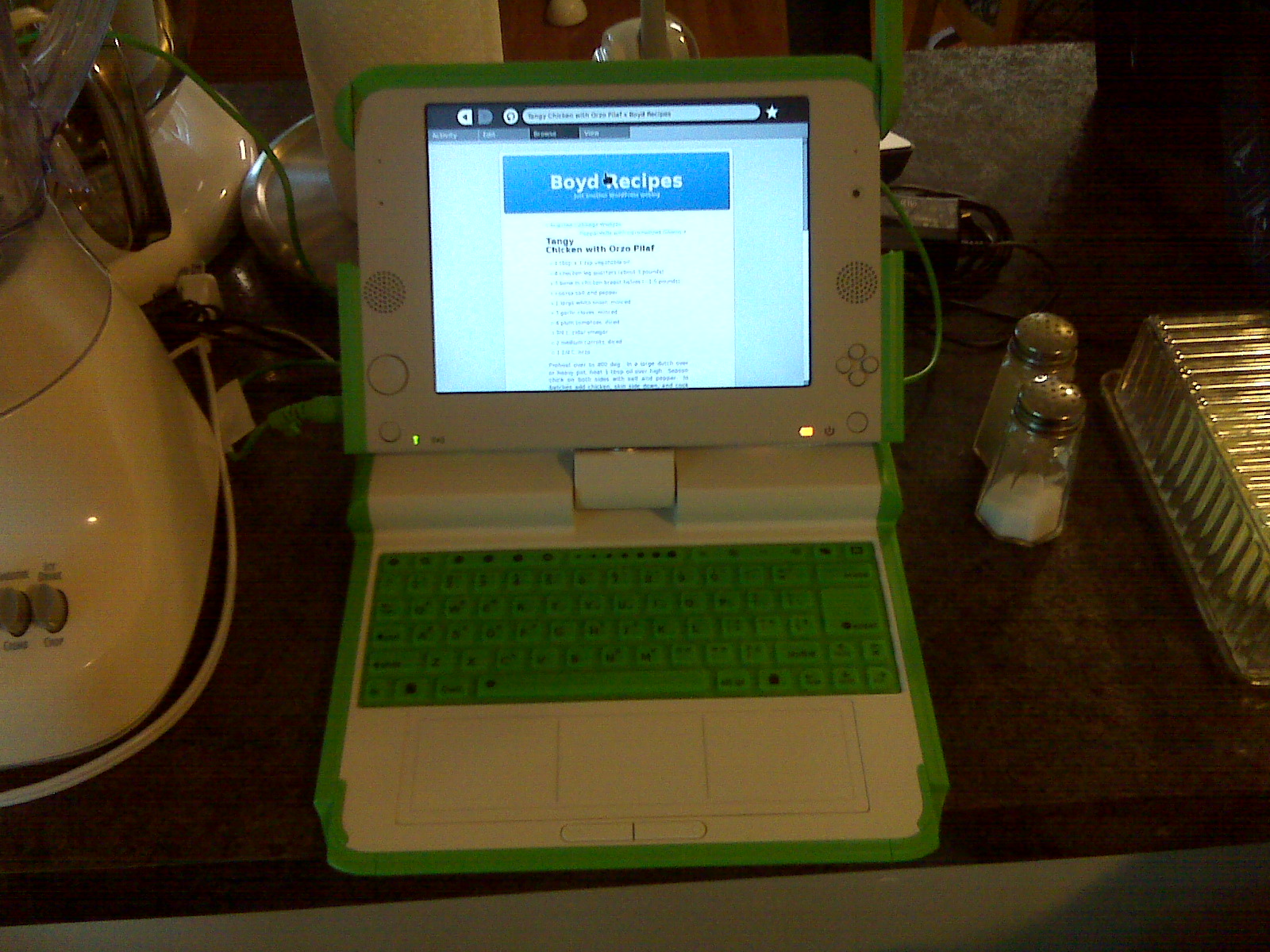
To be honest, I haven’t really looked at the education activities since the update since I mostly use this as a kitchen recipe machine (thus why the picture shows the XO-1 between my toaster and salt and pepper). I figure that when he is a bit older, I’ll give this to David.

Since I never actually wrote a review of this machine, allow me to insert here that the display is really great (but obviously a bit small). Also, I found that the keyboard is nearly unusable. I can use the keyboard on similarly sized 9″ netbooks (albeit more slowly than a regular keyboard), but on this membrane keyboard I end up resorting to two finger typing most of the time. Obviously this isn’t designed for me, but it does sap some of the motivation out of my hopes of actually working some on this machine (although I have still taken it around to use as a terminal).

One thing I’d really love to see in the future would be a webkit based browser. I think that it would be a much better fit for this low memory machine than the Gecko engine that is currently used. Another thing I really want is an email program. They take the view that kids don’t need email or can use webmail, but I’d like to see a decent email sugar activity. Another nice one could be a calendar and address book activity. These probably aren’t important for most places, but I think that for American Sugar users (presumably running on non-OLPC hardware) this would be handy. Better still would be social networking support for these programs as well as twitter and facebook clients. If such features were to be added, there probably should also be some system for parents to set limits on how various pieces are used.

I keep wanting to find time to setup a Sugar environment and actually work on writing some activities. A twitter client, while frivolous, may be an excellent first activity. BTW, I’m @jdboyd. I need to add a sidebar link at some point.

Categories
Reviews

Intel D510MO Atom

I had a theory that the Intel D510 CPU would be good enough for several tasks, including Linux audio (Ardour, Bristol, PureData, etc), NAS device, and HTPC (home theater PC). Not at the same time though, of course.

I bought one of the Intel D510MO boards from Logic Supply. This board isn’t going to be perfect for every task, but it is certainly perfect for some of them, and it is perfect for evaluating the CPU.

By the way, I really like Logic Supply. This board is close in price from Logic Supply as it would be from Amazon or other retailers. But, unlike Amazon (and I do get a lot from them), Logic Supply will actually give some tech support if needed, and they treated me really well with a flash device I bought from them for a previous employer.

Today, with Ubuntu 10.04.1, this board just works like a dream. It boots very quickly. Typically problematic areas, like suspend and resume just work.

Since I bought super new board with a super new graphics chipset in February, getting to this point required some patience. At this point, this isn’t a black mark against the hardware, but rather a cautionary note about buying stuff that new.

I bought this in February, when Ubuntu 9.10 was the latest. That was what I put on it first, but it would only work in VESA graphics mode. It turned out that the onboard graphics required something newer. I next tried Fedora 12. Fedora 12 would work nicely from the Live CD, but it wouldn’t see that there were any partitions on the hard drive, and it wouldn’t let me repartition the hard drive. I didn’t pursue this. I would venture to think that Fedora 13 may have fixed any issues.

Ubuntu 10.04 Alpha Just Worked out of the box, including graphics support. It is hard to complain, except about the fact that I had to use a bleeding edge version rather than the stable release, and thus there were some application stability problems. The official 10.04 release fixed the unstable programs, but at the last moment reverted the graphics support, so it was back to VESA. Argh. A few weeks later updates came that re-fixed the graphics, and things have been smooth sailing ever since. That was about 3 months of having to wait for it to really work out and put up with some glitches though.

This machine is certainly fast enough for surfing type applications, as well as Office, text editing, photo editing, etc. It is probably even fine for reasonably basic SD video editing, but I’m not certain what the competent software for doing that may be under Linux. It also works very nicely for audio applications (Ardour, Bristol, Hydrogen, etc), which I am using it for. Actually, for audio tasks, it is particularly nice due to being completely silent. Match it with a SSD and a fanless PSU, and you will have a completely silent machine with no moving parts.

Going back to the original list of tasks that this board could be for, NAS will be covered in another post since I will be trying something more adventurous by putting OpenSolaris on this machine for that job.

However, when it comes to HTPC, there is an up side and a down side. It plays SD video very nicely using Mplayer or VLC, but it is not smooth in Adobe Flash. To play HD video you will likely need an add-in decoder card, and Flash won’t support that (probably never). Since one of my primary HTPC applications is Hulu Desktop, this box ends up not being a good match for HTPC applications. For people who just want to use Myth or XBMC, I believe it could be a good match.

Categories
Family

David & Izzy

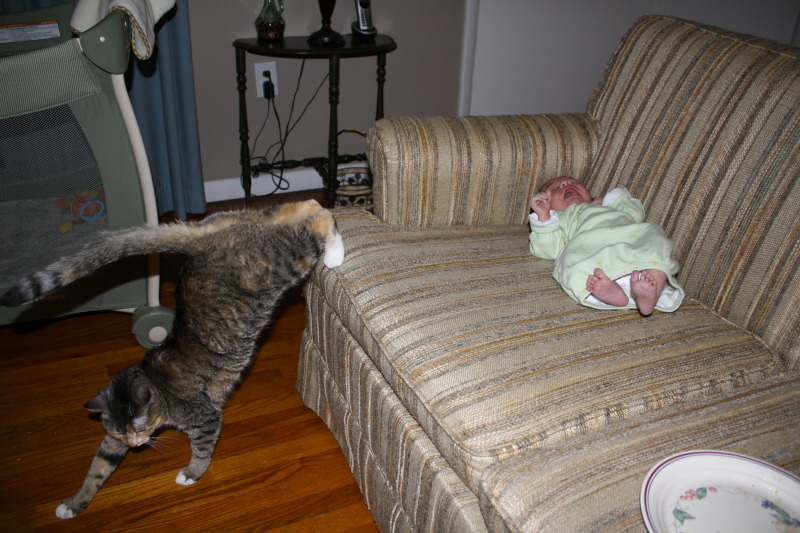
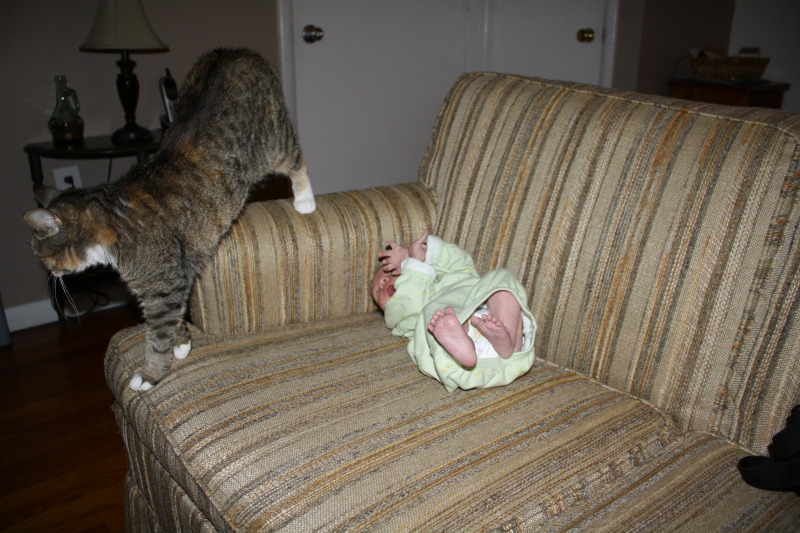
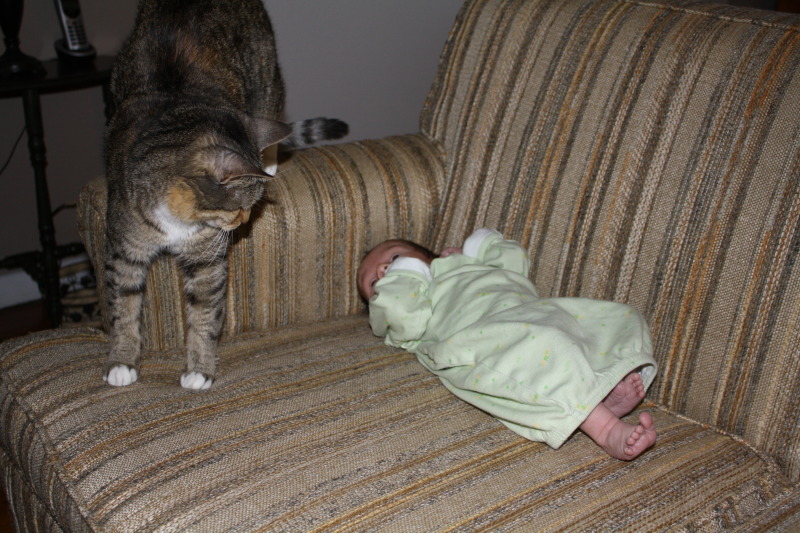
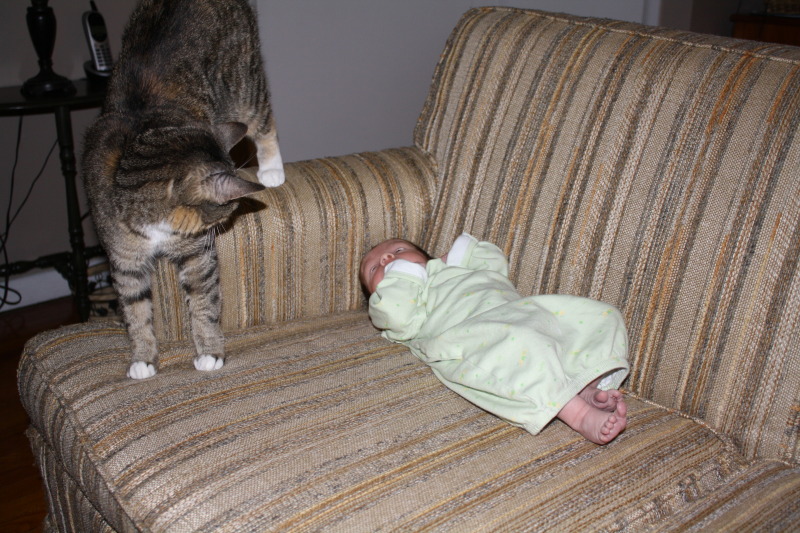
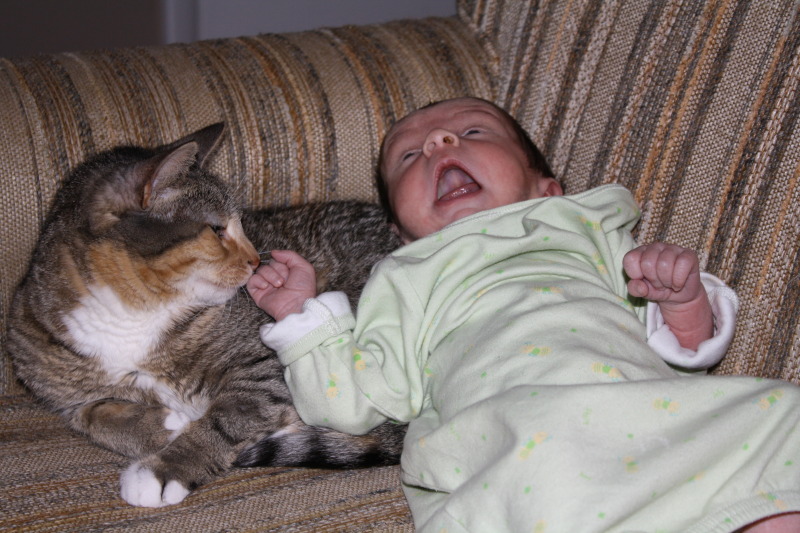
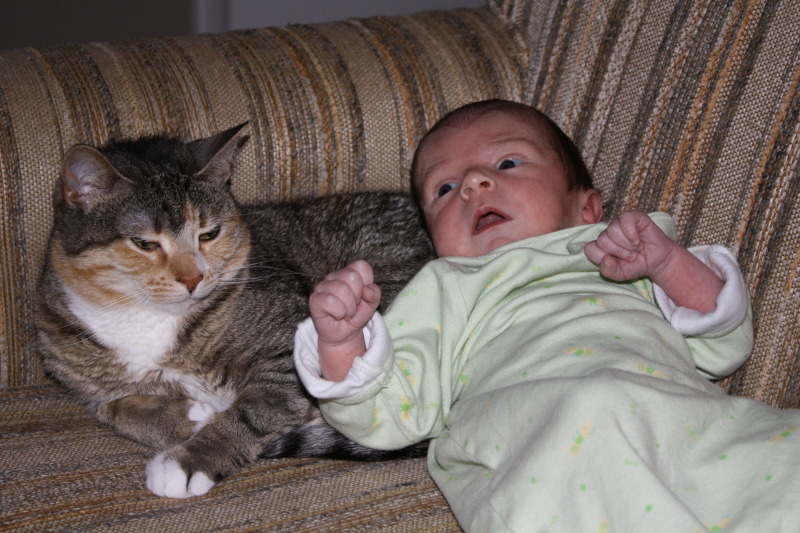
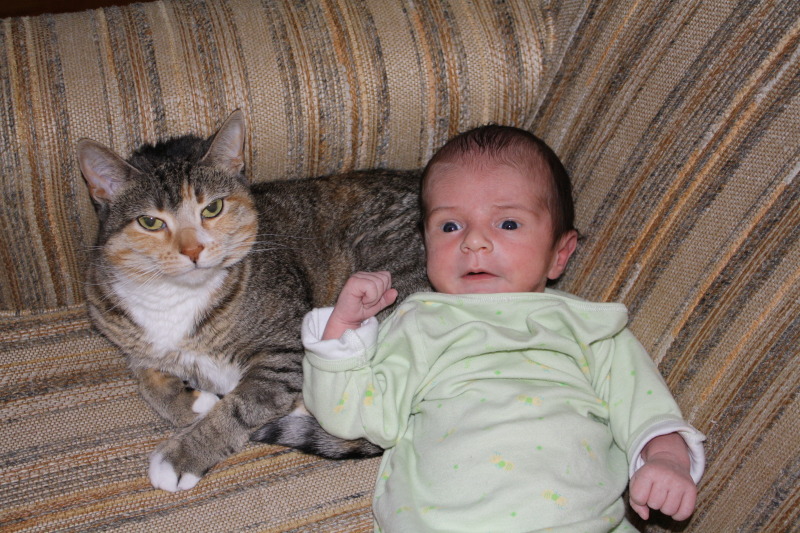
A set of pictures of David and Izzy together on the love seat.

Categories
Reviews System Administration

OpenSolaris on the Intel D510MO Atom

I wanted to tryOpenSolaris on the new Atom board on a seperate disk before the machine got settled into normal use (normal use covered in this post).

First impression, the LiveCD booted and worked correctly including graphics in VESA mode and the networking. The install was simple and painless, and afterwards came right up with graphics in VESA mode and the networking working on the on board RealTek chip.

Bonnie++ on the 3-4 year old local disk said that for block operations it would be able to do about 50 MB/s on reads and 35 MB/s on writes.

My main area of testing was to create a new file system and share it via NFS to an Ubuntu 9.10 workstation. Initial results were 42MB/s reads and 3-8 MB/s writes (measured by timing copies). Not so good.

I tried tuning wsize and rsize.  It turns out that those are more or less set to something reasonable. I tried noatime. It seems that any of the stuff that turns up for “NFS tuning” in Google don’t do much for reasonably modern systems on a generic network.  They may be worth revisiting for people trying to get a bit more performance out, but I want an order of magnitude more.

I disabled ZIL (obviously I wouldn’t do that for production, but I figured it was fair to do it now and assume that a sensible flash drive would give reasonably similar performance with ZIL on in the future) and tried again, and things got better. I tried running bonnie++ remotely over NFS, and OpenSolaris lost it’s networking. No amount of ifconfig up/down or un-plumbing and plumbing the interface would bring it back, so I resorted to rebooting the system.

At that point I did some research. It looks like many people have problems with the gre driver. I found a gani driver, but I also saw many people try that then end up adding a separate network interface. I didn’t bother with the gani drive.

I didn’t think I would easily be able to add a good ethernet card since most cheap PCI ones seem to be Realtek and most good Intel or Broadcom GigE cards seem to be 64bit and I didn’t think that such a card would fit. Still, I grabbed my unused Broadcom PCI-X card, and found that they left enough room on either side of the PCI slot to fit a 64bit card. Nice.

With the broadcom card, it delivered NFS writes of 32 MB/s and reads of 45 MB/s. I feel that this is reasonable evidence to suggest that the SuperMicro D510 server board will do nicely as a ZFS storage server. That SuperMicro board comes with dual Intel GigE ports, not Realtek. And it also offers 6x SATA ports.

Version 1.03c       ------Sequential Output------ --Sequential Input- --Random-
                    -Per Chr- --Block-- -Rewrite- -Per Chr- --Block-- --Seeks--
Machine        Size K/sec %CP K/sec %CP K/sec %CP K/sec %CP K/sec %CP  /sec %CP
hp-xw            8G 45167  68 44605  11 14707   7 32389  57 32344   7  65.8   0
                    ------Sequential Create------ --------Random Create--------
                    -Create-- --Read--- -Delete-- -Create-- --Read--- -Delete--
              files  /sec %CP  /sec %CP  /sec %CP  /sec %CP  /sec %CP  /sec %CP
                 16   111   0  3489  10   108   0   111   0  3999   9   110   0

For low demand home applications (or small business ones I suppose) I think it would be interesting to try Intel D510MO board with mirrored SATA disk drives, a good Intel or Broadcom GigE NIC and a pro quality USB drive, such as this: http://www.logicsupply.com/products/af4gssgh
While USB isn’t all that fast, the linked drive claims to do writes of 25 MB/s, and that means that the ZFS server is limited to 25 MB/s, that probably isn’t too bad for storing videos and photos for a lot of home users.    What would be really exciting would be if someone would make a MiniPCIe flash or SATA card (or both).  A person can dream I suppose.

Categories
Programming

toStr revisited

After my initial toStr C++ exploration, I recent found myself reading about Boost’s lexical_cast, which is does something similar, albeit more general and with more verbosity. lexical_cast will not only convert nearly anything to a string, it will also do its best to convert anything to anything, via a string in the middle.

Upon finding that, I was considering rewriting toStr to use lexical_cast (the only reason to hang onto toStr at all would have been for brevity in my code), but then I somehow stumbled upon Herb Sutter’s article The String Formatters of Manor Farm, which talks about the performance of various int to string methods. As it is, int to string is what I use my toStr function for most of the time (followed by doubles probably), so this is the performance I’m most interested in.

From Herb’s article, I learned that lexical_cast was extremely slow. stringstream, which is what the current implementation of toStr uses, is also extremely slow (but not as bad as lexical_cast). On the other hand, snprintf is very fast. I verified this with some of my own tests on Solaris/SunStudio and Linux/GCC. Rather then write up my own performance tests, allow me to refer you to this write up, as well as back to Herb Sutter’s article that I reference above.

snprintf requires explicit formatting strings, but this isn’t an issue because I can specialize the template for certain types, like ints. And, if I know the type, then I also know the maximum length string that can be generated. For instance, a 32 bit int, is 12 digits (The ‘-‘ if negative, 10 digits for the main number, and one digit for the trailing \0), while a 64 bit int is 22 digits. I could also figure out the maximum size for floats and doubles, but I haven’t yet done so.

So I will now modify toStr to include the existing version while specializing to be about 17 times faster for ints.


template
static inline std::string toStr(T v)
{
std::stringstream s;
s << v; return s.str(); } template <>
inline std::string toStr(int v)
{
//max 64 value: 18446744073709551615
char tmp[22]; //derived from the max 64bit value + 1 for '-' and 1 for \0
snprintf(tmp, 22, "%i", v);
return std::string(tmp);
}